The global CRM market now holds more than 1,000 products and is projected to reach USD 163 billion by 2030. But for a business shopping for a way to manage its customers, that number means little — unless you know which type of CRM you actually need.
This article helps you:
- Understand the 5 types of CRM on the market today
- See why a CRM is more than its "core features" — through the lens of Senior Programmer Liem Pham
- Take a 2-minute quiz to find out which CRM type fits your business best
A map of the 5 CRM types
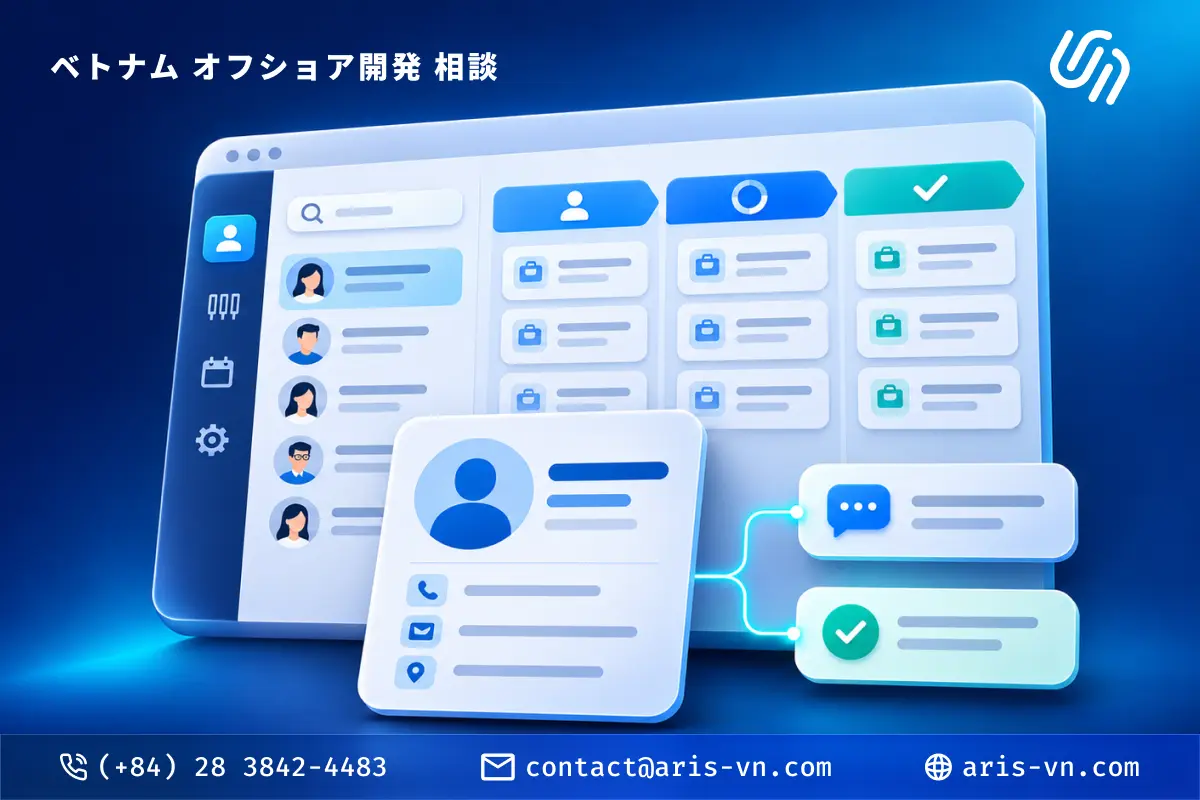
1. Operational CRM — "the daily operations engine"
What it does: Automates your sales, marketing and customer-service workflows. The manual steps — sending follow-up emails, routing leads, opening tickets — are handled by the system instead of by hand.
Best when: Your sales and marketing teams are doing a lot by hand, and customer data is scattered across spreadsheets, chat apps and email.
Leading examples: HubSpot, Salesforce Sales Cloud, Zoho CRM, Freshsales
Signs you need this type:
- Sales forgets to follow up and deals slip away
- Marketing sends emails manually with no idea who opened or clicked
- Customer support runs with no ticketing system
Expected impact
| Before CRM | With CRM | |
|---|---|---|
| Manual data entry & updates | 12 hrs/week | 5 hrs/week |
| Tracking & follow-up reminders | 6 hrs/week | 2 hrs/week |
| Compiling sales reports | 5 hrs/week | 1 hrs/week |
Illustrative industry-typical figures — actual results depend on your process and rollout.
2. Analytical CRM — "the data-analysis brain"
What it does: Collects and analyzes customer data — buying behavior, lifetime value, churn prediction — to drive strategic decisions.
Best when: You already have data but don't know how to use it, or you want to understand why customers leave and which segments are the most profitable.
Leading examples: SAP CRM, Oracle CRM Analytics, Microsoft Dynamics 365 (Customer Insights)
Signs you need this type:
- You have plenty of data but still decide by gut feel
- You can't tell which customers are at risk of churning
- You want more accurate revenue forecasts
Expected impact
| Before CRM | With CRM | |
|---|---|---|
| Revenue forecast accuracy | 60 % | 82 % |
| At-risk customers caught early | 35 % | 75 % |
| Decisions backed by data | 40 % | 85 % |
Illustrative industry-typical figures — actual results depend on your process and rollout.
3. Collaborative CRM — "the bridge between departments"
What it does: Makes sure every department — Sales, Marketing, Customer Service, Operations — sees the same picture of the customer. When support picks up a ticket, they know what Sales promised; when Marketing runs a campaign, they know which issues support is hearing about.
Best when: Several customer-facing departments exist, but information is siloed — each team keeps its own data.
Leading examples: Microsoft Dynamics 365, Bitrix24, Salesforce (Service Cloud + Sales Cloud)
Signs you need this type:
- Customers have to repeat their issue every time they talk to a different department
- Sales and support keep passing responsibility back and forth
- No one can see the full customer journey
Expected impact
| Before CRM | With CRM | |
|---|---|---|
| Customer data shared across teams | 45 % | 90 % |
| Customer satisfaction (CSAT) | 70 % | 85 % |
| Resolved on first contact | 55 % | 80 % |
Illustrative industry-typical figures — actual results depend on your process and rollout.
4. Campaign Management CRM — "the marketing command center"
What it does: Manages and automates entire marketing campaigns — email drips, SMS, social ads, landing pages — and measures the performance of each campaign on one dashboard.
Best when: Marketing is your main lead source, you run many campaigns at once, and you need to know which ones actually pay off.
Leading examples: ActiveCampaign, Mailchimp (CRM), Marketo, HubSpot Marketing Hub
Signs you need this type:
- You're juggling 3–4 disconnected marketing tools (email + ads + landing pages + analytics)
- You can't tell which campaign a lead came from
- You want to nurture leads automatically instead of cold-calling
Expected impact
| Before CRM | With CRM | |
|---|---|---|
| Lead-source attribution | 40 % | 95 % |
| Campaign conversion rate | 10 % | 16 % |
| Leads nurtured automatically | 30 % | 80 % |
Illustrative industry-typical figures — actual results depend on your process and rollout.
5. Strategic CRM — "the long-game retention strategy"
What it does: Focuses on building long-term customer relationships — not just closing sales, but creating ongoing value. It prioritizes customer lifetime value over short-term deal count.
Best when: You run a subscription or SaaS model, or you serve large B2B accounts that need long-term care.
Leading examples: Gainsight, Totango, ChurnZero, Salesforce (with the Customer Success module)
Signs you need this type:
- Your business model depends on renewals/subscriptions
- Churn is high and you don't know why customers aren't renewing
- You want to move from "sale closed, job done" to "walking alongside the customer"
Expected impact
| Before CRM | With CRM | |
|---|---|---|
| Renewal rate | 72 % | 88 % |
| Churn rate | 25 % | 13 % |
| Proactively nurtured accounts | 35 % | 80 % |
Illustrative industry-typical figures — actual results depend on your process and rollout.
Three takes from Senior Programmer Liem Pham: "Is a CRM really just core features?"
Many businesses approach CRM with one mindset: "I need to manage contacts, track deals, send emails — that's enough." But Liem Pham — a Senior Programmer with experience rolling out CRMs for many SMEs — argues that this exact mindset is why so many CRM projects fall short of expectations.

Take 1: "Core features are the starting line, not the finish line"
"Contact management, pipeline tracking, email automation — that's the skeleton. But a CRM that truly works has to mirror how your business actually operates. No two companies run the same way, so no CRM is ever truly 'plug-and-play.'" — Liem Pham, Senior Programmer
What it means in practice: Before choosing a CRM, map out how your sales and customer-care process actually works today. The CRM should adapt to that process — not the other way around.
Take 2: "AI isn't the future anymore — it's becoming the new baseline"
"In 2026, a CRM without AI is like a car without GPS. You can still drive it, but you'll likely be slower, take more wrong turns, and burn more fuel than your competitors." — Liem Pham, Senior Programmer
According to Gartner, around 40% of enterprise applications will embed task-specific AI agents by the end of 2026, and CRM is part of that shift. The features becoming "must-haves":
- AI lead scoring — automatically ranks leads by likelihood to close
- Predictive churn — flags which customers are about to leave
- AI-generated insights — summarizes interaction history and suggests the next action
- Agentic automation — AI carries out complex workflows on its own, within the limits you configure
Take 3: "The best CRM is the one your team actually uses"
"I've seen a company spend $50,000 on Salesforce Enterprise and watch its staff keep managing customers in a Google Sheet. The problem wasn't bad software — it was that no one wanted to use it." — Liem Pham, Senior Programmer
The lesson: Adoption matters more than the feature list. A simple system that 100% of the team uses will always beat a complex one that only 20% ever touch. Choose your CRM based on:
- How easy it is for your current team to use
- Whether you can onboard in 1–2 weeks (not 3 months)
- Whether it integrates with the tools your team already lives in (Slack, chat apps, Google Workspace...)
Quiz: Which CRM fits your business?
Tick every option that applies across the 6 questions — you can pick more than one. Your result reflects the CRM type you select most.
One thing that matters just as much: integrating with what you already run
When you build software for a business, a factor just as important as picking the right CRM type is how well it connects and syncs with the software you already use — accounting, ERP, inventory, payment gateways, email, marketing tools — in the most seamless, convenient way.
However powerful a CRM is, if it stands alone and forces your team to enter data twice or copy it back and forth, it gets abandoned fast. When a CRM exchanges data cleanly with your existing stack through APIs or built-in integrations, every department works from the same source of truth — no duplication, no leakage.
This is a big reason many businesses choose a custom CRM: instead of forcing their process into a packaged product, they get a system designed to fit the tools they have already invested in — keeping what works and adding only what is missing.
Conclusion — Don't pick a CRM because it's "hot," pick it because it "fits"
CRM isn't a contest for whoever has the most features. As Senior Programmer Liem Pham puts it: the best CRM is the one your team actually uses.
If you've taken the quiz above and want deeper advice on the right solution — especially if you need a custom CRM built around your own business process — talk to the ARIS Vietnam team. We'll help you work out where to start.
This article was prepared by the ARIS Vietnam team, with expert input from Senior Programmer Liem Pham. ARIS Vietnam provides software development services, including building custom CRM systems for businesses.